Start with the people and the work area
A machine that stops in the middle of a job creates pressure to find a quick answer. Before gathering information for a repair call, follow your site's shutdown, isolation, and access-control procedures. If there is an immediate hazard, use the site's emergency process. The priority is making sure the situation is controlled, not collecting a better photograph.
Stay clear of suspended attachments and suspected pressurized leaks. Manufacturer safety guidance warns that hydraulic fluid under pressure can penetrate skin and that unsupported raised equipment presents a serious hazard. Do not reach into a damaged machine, open hydraulic connections, or restart equipment simply to reproduce a symptom for a video. Leave diagnostic testing and repair procedures to qualified personnel.
Reference: John Deere-hosted Frontier Operator Manual: General Safety Precautions ↗
Identify the exact machine
Provide the manufacturer, model, serial or product identification number, and approximate operating hours when those details are already available or can be obtained safely. Include the attachment in use and any known modifications relevant to the problem. A fleet asset number is helpful for your records, but it may not identify the machine's configuration for a technician.
Caterpillar's parts-diagram system uses equipment and serial-number information to return applicable diagrams. That illustrates why precise identification matters when discussing components. Send an existing identification-plate photo or fleet record if you have one, and check that it is readable. Avoid guessing a model suffix when the records can confirm it.
Reference: Caterpillar: Parts Diagram Lookup by Serial Number ↗
Describe the sequence, not a diagnosis
The most useful initial description explains what the operator observed. What was the machine doing before it stopped? Did a function become slow, stop completely, or work intermittently? Was the condition present at startup or after a period of operation? Record the order of events while it is still fresh.
Separate facts from interpretations. For example, 'the boom stopped lifting and the display showed this code' gives the service team a clearer starting point than naming a failed pump without a diagnosis. Include exact displayed messages or existing photographs when available. Report any sounds, smoke, odors, impacts, or leaks already observed without putting someone near the machine to confirm them.
Use safe observations to add context
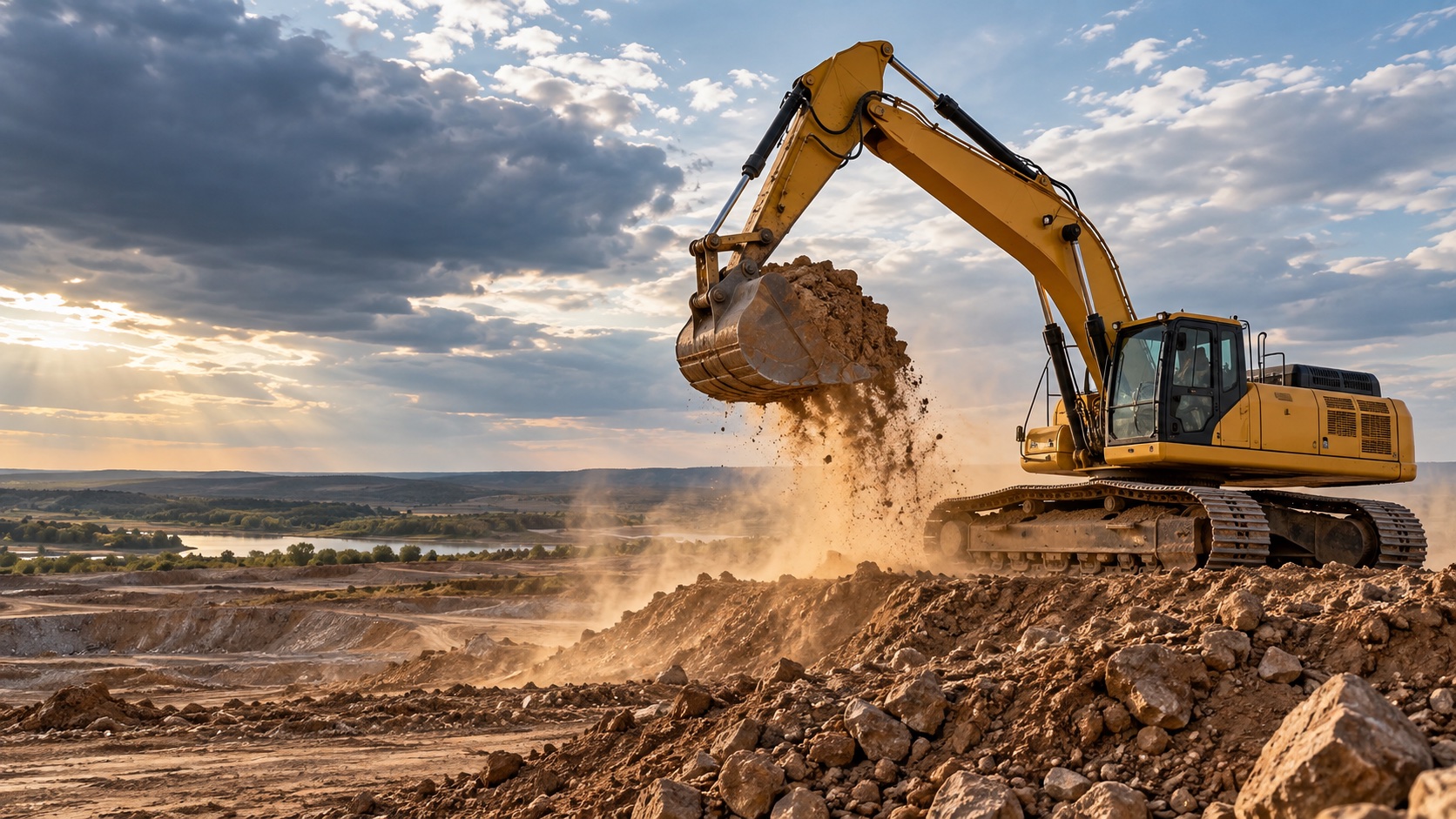
Manufacturer inspection material identifies areas such as the bucket and linkage, boom and cylinders, undercarriage, guards, and visible leaks as relevant to machine condition. A qualified operator's existing inspection notes can therefore give a repair team valuable context. Share those notes and explain which conditions are new.
If the site permits photographs and they can be taken from a safe location, begin with an overall view that shows which machine and component are involved. A close-up without context can be difficult to interpret. Do not move guards, climb onto damaged structures, stand beneath equipment, or approach a suspected leak to improve an image. Existing photos and a careful verbal account are still useful.
Reference: Caterpillar: Hydraulic Excavator Safety and Maintenance Inspection ↗
Share recent work and operating history
Gather the most recent service records and note any repairs, attachment changes, or unusual events before the problem appeared. Include unresolved recommendations from previous visits. This is about supplying context, not assigning blame; even a routine change may be worth mentioning so the technician can decide whether it matters.
Also explain what has already happened since the breakdown. If someone attempted a restart, cleared a displayed message, moved the machine, or performed work, record that accurately. Preserve available fault information and tell the service team what has changed. A consistent account is more useful than several partial descriptions passed through different people.
Make the site and approval process clear
The service team needs practical jobsite information as well as machine details. Have these items ready for the call:
- The exact location, site contact, and a reliable callback number.
- Gate instructions, check-in requirements, and permitted access hours.
- Ground conditions, access limits, and known hazards near the machine.
- Whether the machine is blocking an active area and its current isolated status.
- The person authorized to approve diagnosis, parts, and additional repair work.
Agree on the next update
Before ending the conversation, confirm who will coordinate the next step and how updates will be shared. Ask what information is still needed and what can be determined only after an inspection. Treat an initial description as the beginning of diagnosis, rather than a guarantee of a particular repair, part, cost, or completion time.
When you contact Lonestar Power Systems about heavy-equipment repair, start with what is down, where it is, and what the operator observed. Clear information helps turn an urgent call into an organized service conversation.